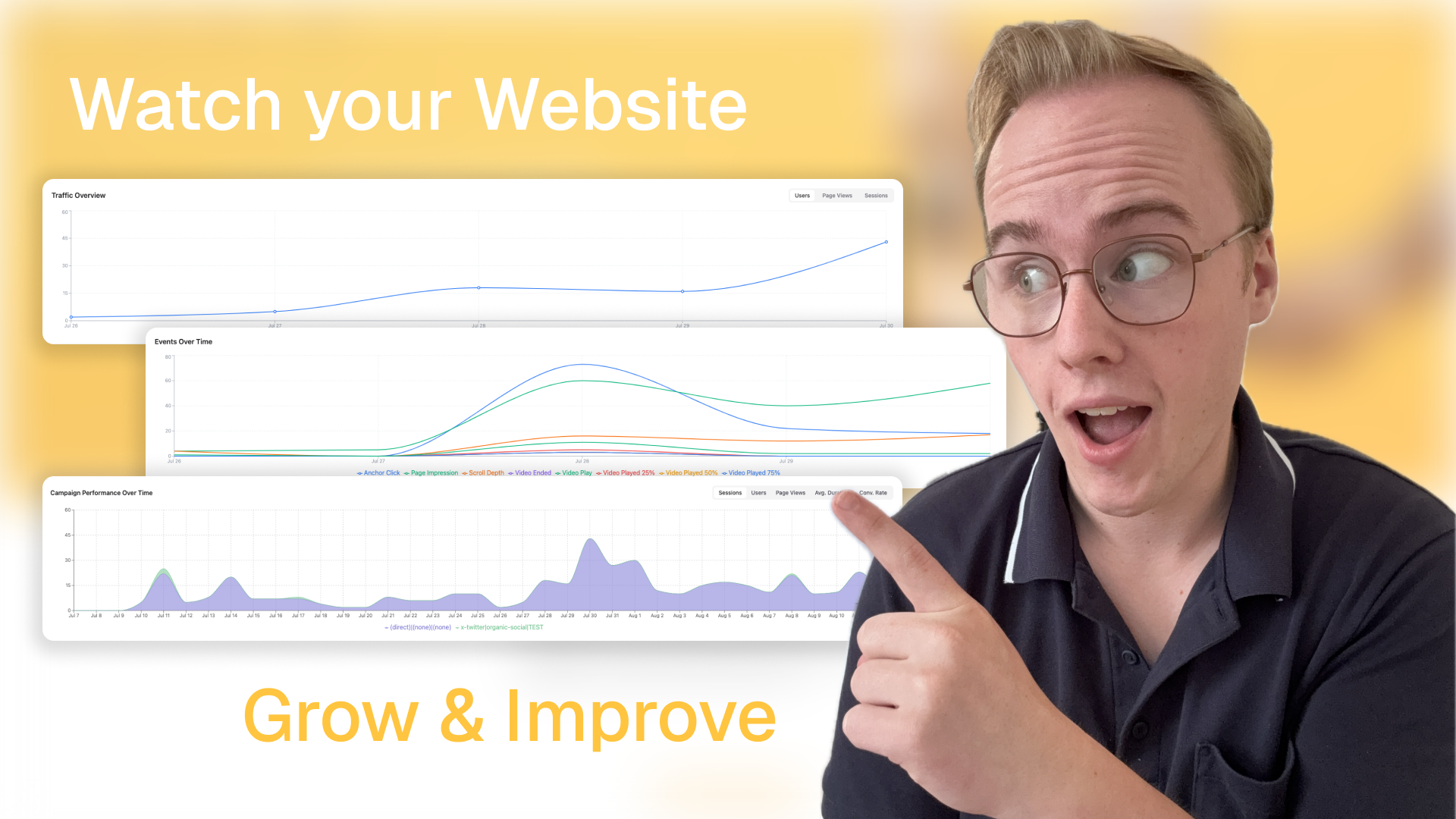
Imagine running a physical store with your eyes closed. You wouldn't know which displays attract attention, where customers linger, or what makes them leave. That's what running a website without analytics feels like.
When you enable Uniweb Analytics, you transform your website into an intelligent storefront that tells you exactly what's happening.
Understanding Your Analytics Dashboard
Once enabled, your Analytics dashboard reveals:
Visitor flow: How people move through your site
Popular content: What resonates with your audience
Traffic sources: Where your visitors come from
Conversion paths: What turns visitors into customers
Think of it as: Security camera footage of your store, but instead of watching for misbehaviour, you're watching for opportunities to serve better.
Creating Your First Tracking Link
Not all visitors arrive the same way. Some come from social media, others from email, and some from paid ads. Tracking links help you understand which efforts work best.
Using the UTM Link Creator:
Navigate to your website.
Click the
to open the link builder
Enter your destination page
Answer simple questions:
Where will you share this? (Instagram, Email, etc.)
What's the campaign? (Summer Sale, Product Launch)
What specific post/ad?
Uniweb generates your trackable link
Share your link on your social posts.
A/B Testing Through Natural Evolution
Here's what makes Uniweb brilliant: you don't need to split traffic or run complicated tests. Your A/B testing happens naturally as you improve your site.
How it works:
Every time you publish, Uniweb remembers your site's complete structure
These publish events become natural testing points
Analytics shows performance before and after each change
You see exactly how your improvements affect visitor behavior
Pro features:
Hide sections or pages to test alternatives without losing original content
Reorganize page sections to test different flows
Add labels to sections (e.g., "Hero v2 - urgency focus") for clear tracking
Test completely different page versions by hiding/showing alternatives
The Two Sides of A/B Testing
Remember: visitor experience has two parts - how they find you and what they see when they arrive.
Testing the Invitation (How people find you):
Create two tracking links with different messages
"Transform Your Business" vs. "Grow Your Revenue"
Share each version equally
Analytics shows which message attracts quality visitors
Testing the Experience (What they see when they arrive):
Update your landing page content
Try different headlines, images, or calls-to-action
Publish to create a new testing point
Compare performance across publish events
Reading the Room
With analytics active for a few weeks, patterns emerge:
Visitors spend 3x longer on your case studies than your service pages
Mobile visitors from Instagram never reach your contact form
Your about page has the highest exit rate
Each insight is like noticing customers in your physical store avoiding a poorly lit corner. Once you see it, you can fix it.
Making Data-Driven Improvements
Based on common patterns:
High bounce rate on homepage?
Test a clearer value proposition
Simplify your hero section
Add social proof above the fold
Publish and measure the impact
Low engagement with articles?
Try more compelling titles
Add relevant images
Break up long paragraphs
Track improvements after each publish
Visitors not converting?
Reduce friction in contact forms
Add trust signals (testimonials, certifications)
Test different call-to-action text
Hide complex sections to test simpler alternatives
The Power of Publish Events
Every publish is an opportunity to learn:
Monday: You reorganize your homepage, moving testimonials higher
Publish: Uniweb captures this new structure
Tuesday-Friday: Collect visitor data
Next Monday: Analytics shows the impact of your change
You're not running artificial tests - you're naturally evolving your site and measuring what works. It's like rearranging your store and watching how customer behavior changes.
Campaign Tracking in Practice
Let's say you're launching a new product:
Create tracking links for:
Email announcement to customers
Social media posts (one per platform)
Partner websites mentioning you
Paid search ads
Monitor performance daily:
Which source sends the most traffic?
Which source sends buyers vs. browsers?
What content do visitors from each source prefer?
Optimize your pages:
Update landing pages based on traffic source behavior
Hide sections that don't convert
Test new arrangements
Each publish creates a comparison point
Double down on what works:
Increase budget on high-performing channels
Create more content similar to what engages
Refine messaging based on successful variations
The Feedback Loop
The beautiful thing about Uniweb's integrated approach is the speed of iteration:
Notice a pattern in analytics
Update content or hide/show sections in the editor
Publish your changes
See results compared to previous publish events
Keep what works, try new variations for what doesn't
No traffic splitting, no complex setup - just natural evolution with intelligent measurement.
Growing with Intelligence
After a few months, you're no longer guessing. You know:
Your best traffic sources (invest more there)
Your most engaging content (create similar pieces)
Your optimal page structures (based on actual tests)
Your audience's journey (optimize each step)
Your publish history becomes a record of experiments:
Date
Experiment
Outcome
March 15
Moved testimonials up the page
20% increased engagement
March 22
Simplified contact form
35% increased submission
April 3
Added urgency to CTA
15% increase in conversions
This isn't about becoming a data scientist. It's about being a smart store owner who pays attention to customers and adapts accordingly. As customers change their behavior and preferences over time, you'll be watching and adapting to serve them better.
The combination of tracking links (testing how people find you) and publish-based testing (optimizing what they see) gives you complete control over your visitor's journey - all without technical complexity.